
What's New: Queue Roles and Tables API
2 months ago
With our latest updates, you can manage curation queue access with greater precision and retrieve table details through the new Tables API.
Queue Roles
With queue roles, you can now more finely control which users can access each curation queue in Curator Hub.
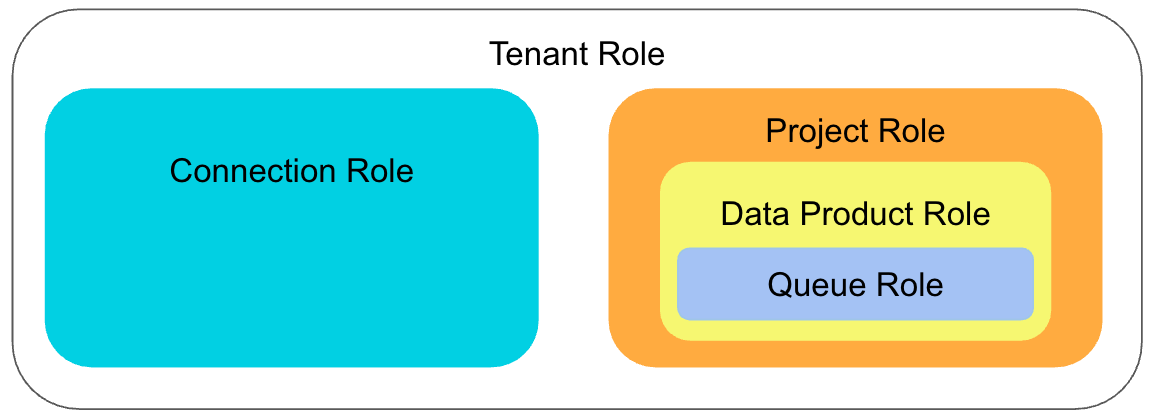
- Queue admins have full access to the queue configuration and items in the queue.
- Queue developers can update the queue configuration.
- Queue curators can view the queue and perform actions on the items in the queue.
- Queue contributors can select the queue when suggesting merges or suggesting attribute edits from the 360 page.
Note:
Note: Users must have the viewer or higher data product role in the associated data product in order to view 360 pages. Users must have the curator or higher data product role in the associated data product in order to suggest edits from the 360 page.
See Queue Roles for full details!
New Tables API
Use the new Tables API endpoint to programmatically:
- List all tables in a project, along with table details
- Get details for a specific table in a project by table ID or name
See tamr.api.tables.v1beta1.Tables for more information.