
Product Update December 11, 2025
We are pleased to announce improvements for jobs, record history, and webhook configuration. We also launched a Tamr Support Portal, where you can manage your support tickets.
Cancel and Re-Run Jobs from the Jobs Page
On the Jobs page, you can now cancel jobs that are in progress, and re-run completed jobs. See Managing Jobs.

Record History User Details and Filtering
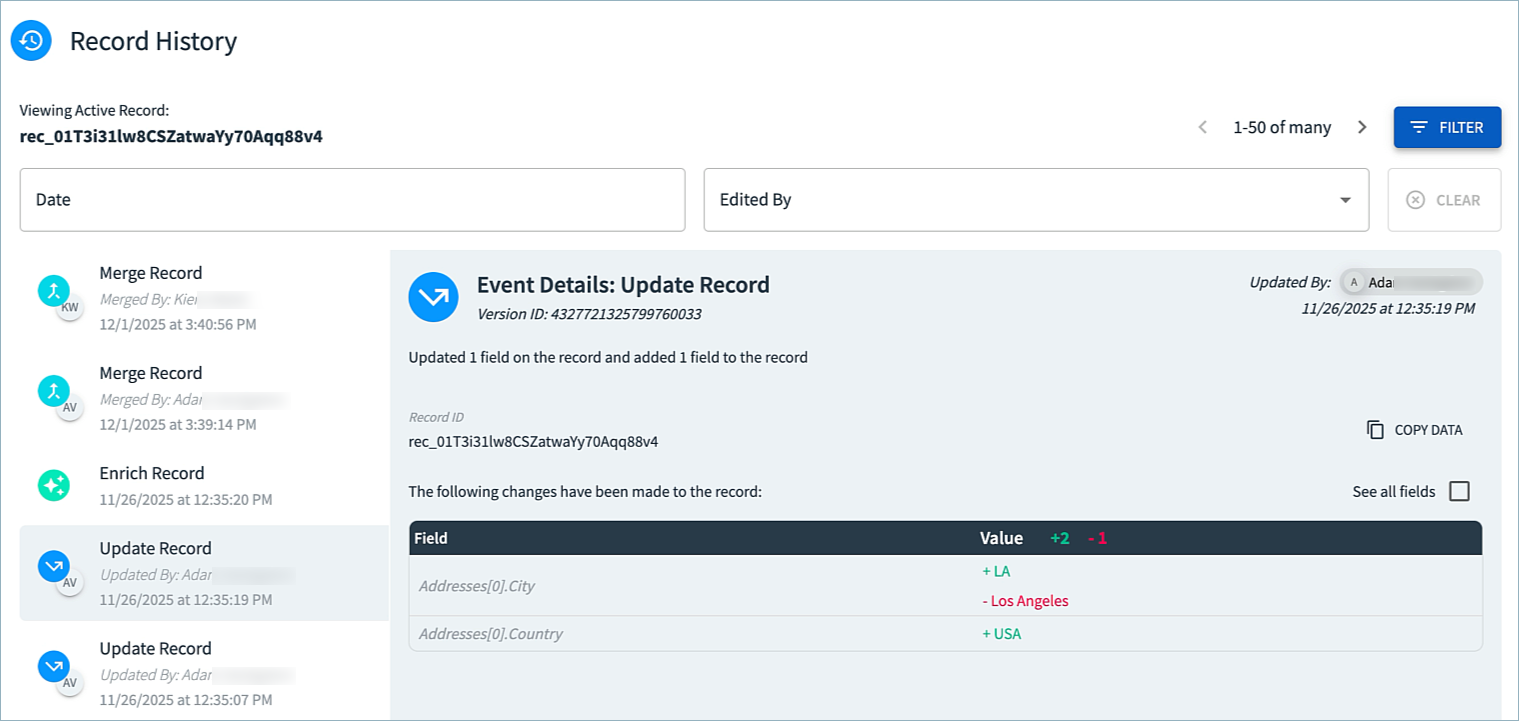
For data products using a System of Record, record history events on the 360 View page now include the user who updated the record. You can filter record events by user and date range. See Viewing Data Product Data.
Choose Whether to Use TLS Verification for Webhooks
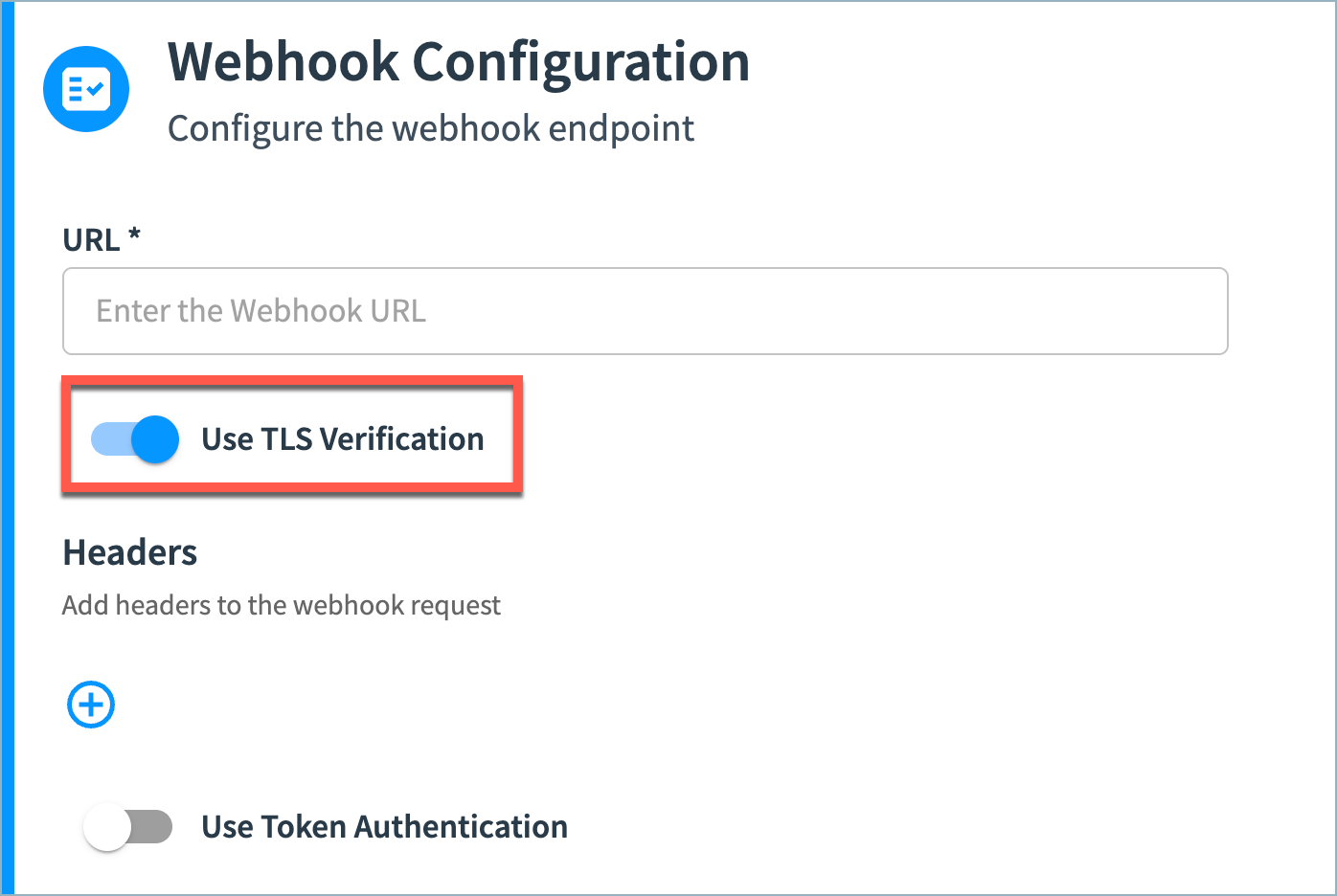
When configuring webhooks, you can now choose whether to use TLS verification. With TLS verification enabled (default), Tamr verifies the server's identity through its digital certificate and checks that it is signed by a trusted certificate authority.
You might disable this setting, for example, to allow self-signed certificates or if your system is using certificates signed with older algorithms.
See Configuring Webhooks.
New Tamr Support Portal
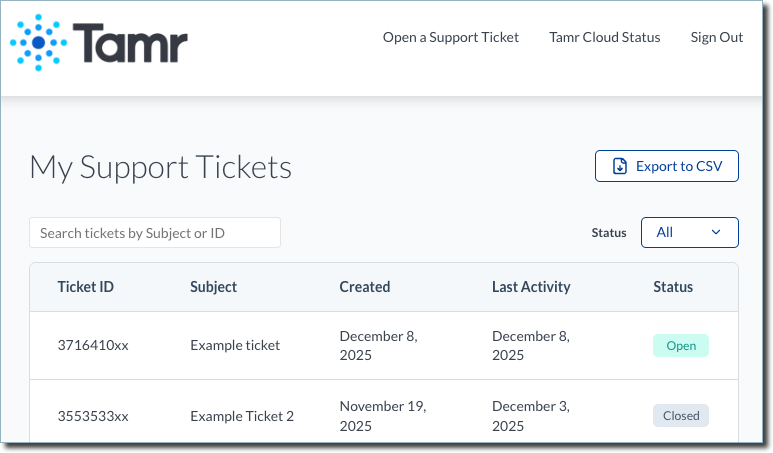
We just launched the Tamr Support Portal! Create your Support Portal account at support.tamr.com/portal to:
- Quickly access all your support tickets
- Open new tickets
- Reply to tickets
You also can continue to open tickets by emailing [email protected].
Bug Fixes and Other Improvements
- On the Publish page, the option to Write to single file is now only available when you select CSV as the file format. This resolves an issue in which publish would fail when attempting to publish single-file output in Avro, Parquet, Delta Lake, or JSON format. See Publishing Data Products.
- Resolved an issue in which updates to older Snowflake connections would fail.