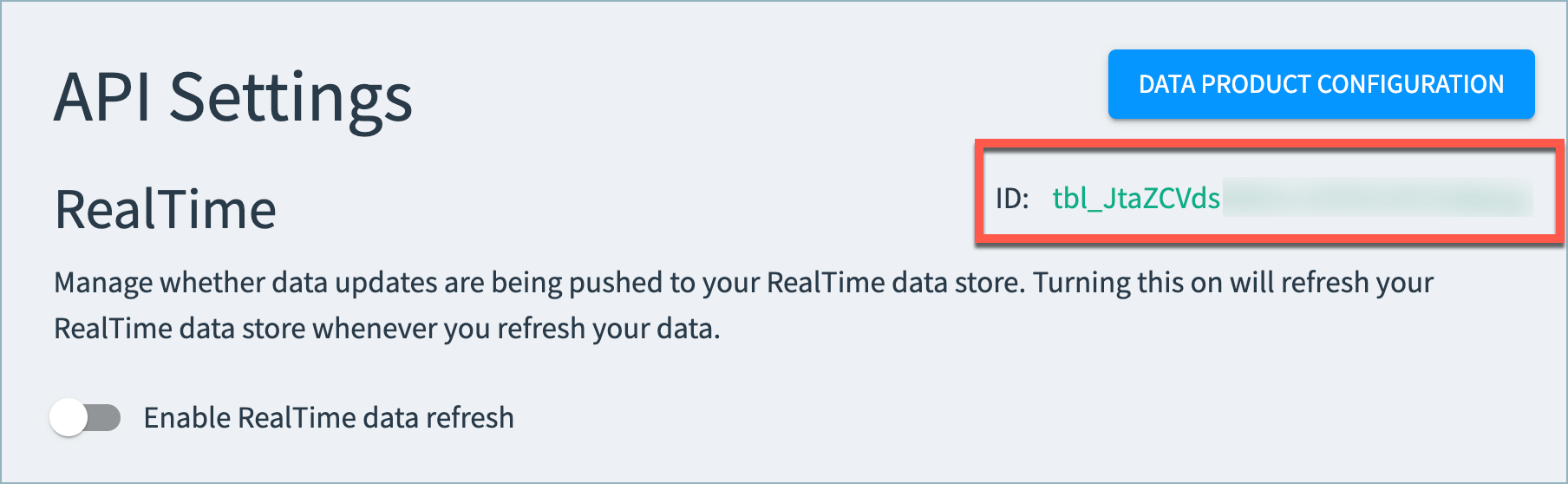
Most Tamr RealTime API calls require a tableId parameter. This parameter is available on the RealTime API Settings page for your data product.
To navigate to this page, select the RealTime Settings option on the Configure Data Product page.
The tableId is available below the Data Product Configuration option.
RealTime Data Products Table ID (Limited Release)
If you are using a limited release RealTime Data Product, you can obtain the tableId from the data product's Configuration page.
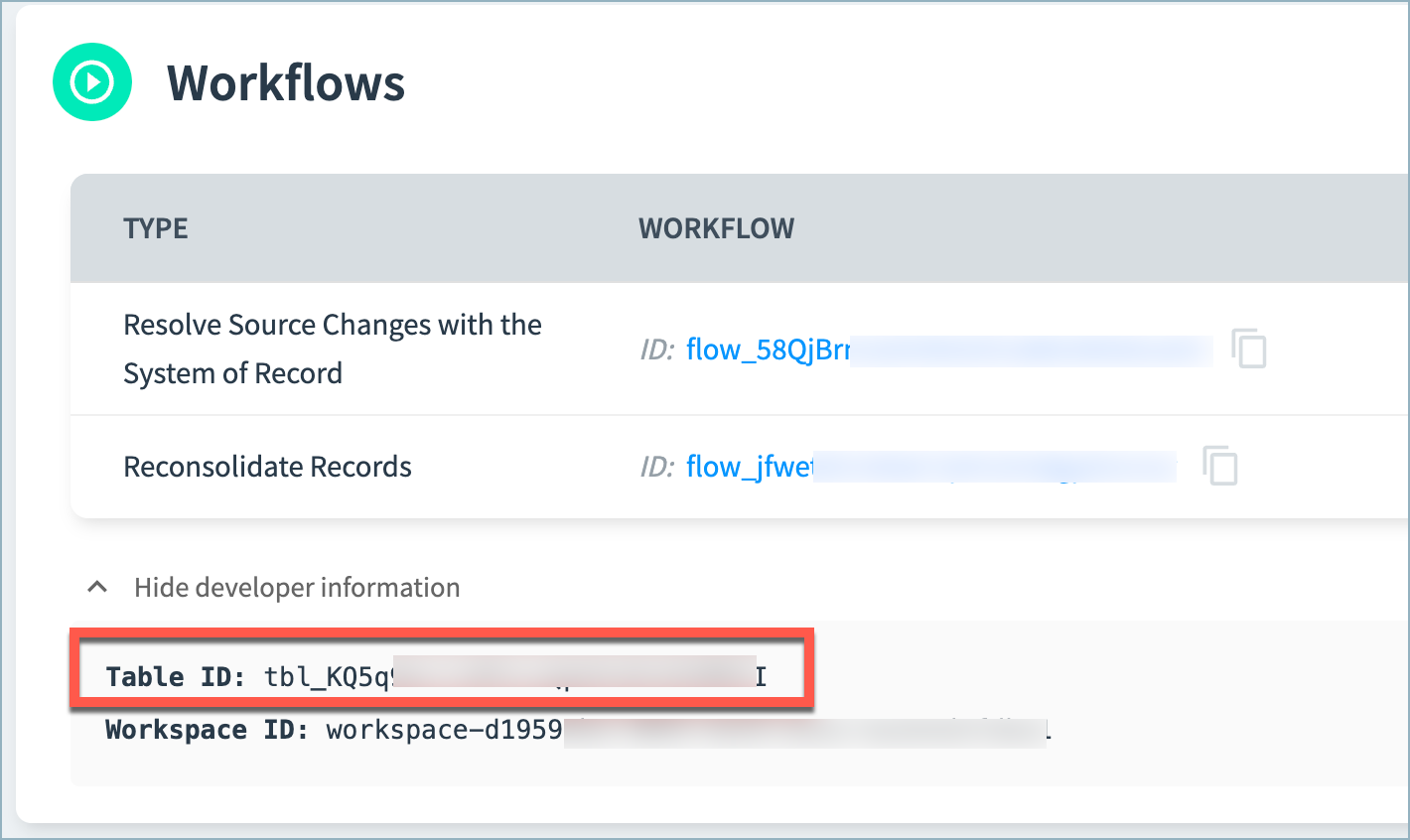
In the Workflows section, select the Show developer information option. The tableId is shown below the workflows table.