
Managing Connection Permissions
Tenant admins tenant operators can assign user and group roles for configured connections.
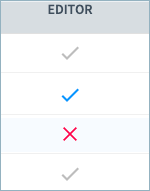
Important: To restrict the inherited permissions in a specific connection for a tenant-level admin, editor, tenant operator, or viewer, you must first change the user or user group role at the tenant level, and then assign the appropriate role in each connection. Non-editable inherited roles are identified with gray check marks in the table.
To assign and edit connection roles:
-
Navigate to Admin Center > Connections.
-
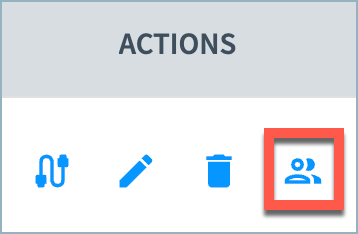
Select the Manage Permissions icon for the connection.
-
In the Manage Permissions page, select the user or group from the User or Group dropdown menu, select their connection role, and select Grant.

-
To remove a role from a user or group, move your mouse over the blue checkmark for the user or group's role in the table. When the blue check becomes a red X, select the X to remove the role from the user.
Updated 5 months ago