
Copying a RealTime Data Product Configuration
You can save a copy of a RealTime data product configuration. Saving a copy is particularly useful if you want to create a new version for testing purposes.
The copied data product includes the following configuration from the original data product:
- Sources
- Schema mapping, including custom fields
- Sensitive field settings
- Uniformity score settings
- Golden record consolidation rules
- Views
- Matching rules
The following are NOT copied to the new data product:
- Record IDs
- Destinations
- Queues
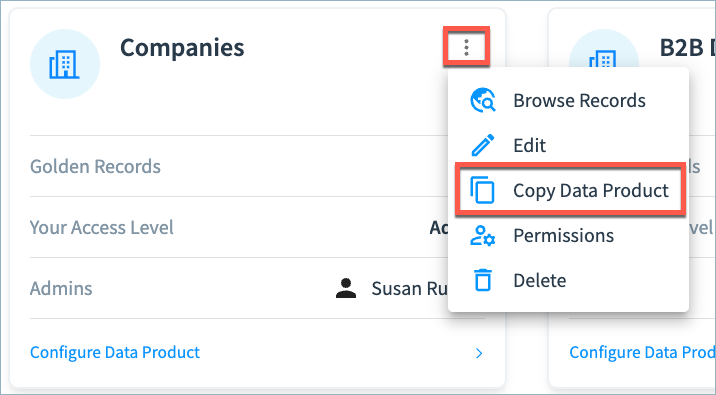
To save a copy of a data product: Select the More (three dot) menu on the data product tile. Then, select Copy Data Product.
You can then make and deploy any necessary configuration changes before running workflows in the new data product.
Updated about 2 months ago
Did this page help you?