
About Tamr-Managed Reference Data Standards
Tamr provides a number of reference data standards for use in all of RealTime data products on your tenant. These standards are fully managed by Tamr; you cannot edit these standards.
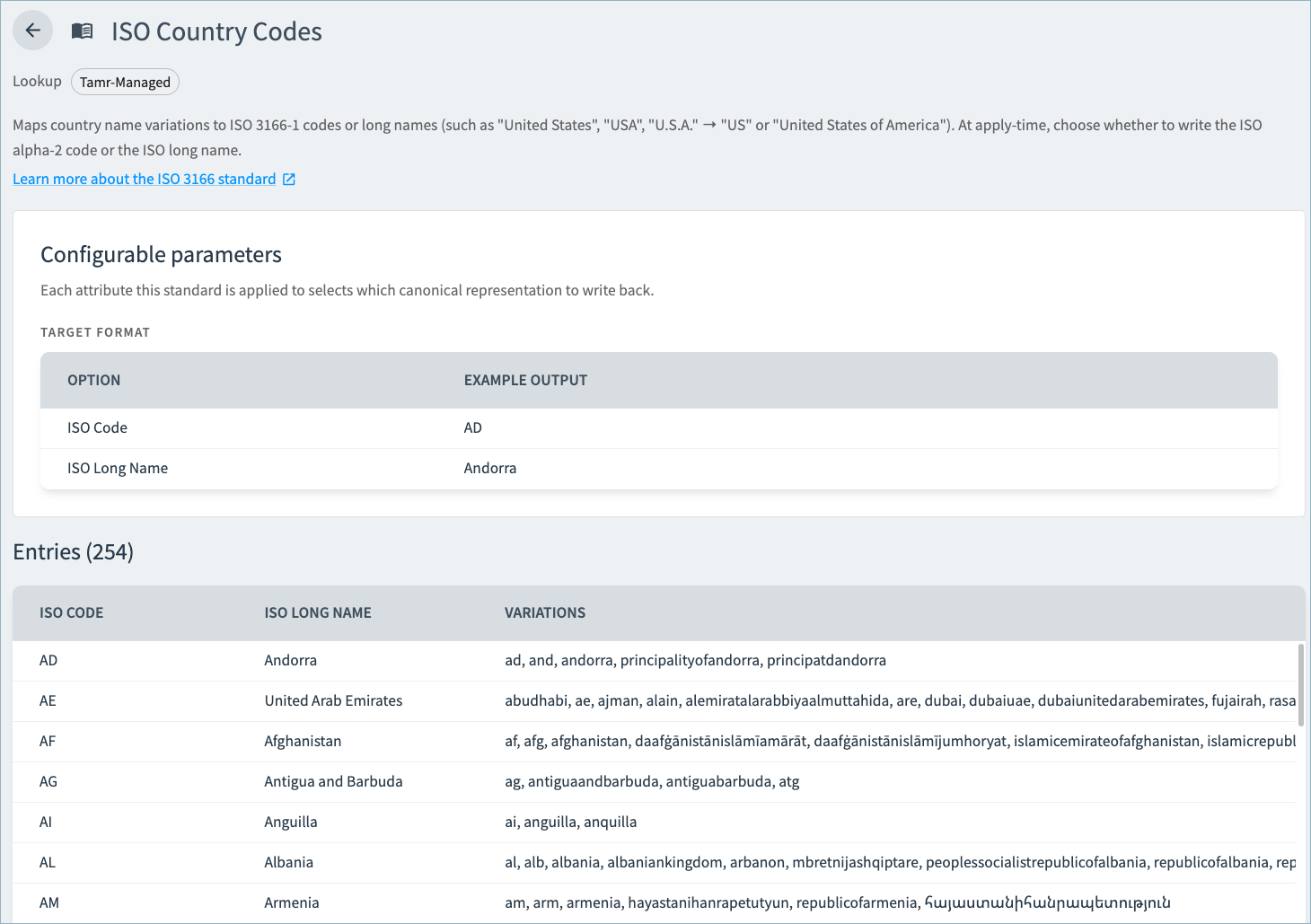
Open a standard from the Reference Data page to view the standard's full list of canonical values and the source value variations that map to each value.
Tamr-Managed Reference Data Standards
| Tamr-Managed Reference Data Standard | Type | Description |
|---|---|---|
| Common Null Values | Lookup | Replaces known bad values will null. |
| Consent Status | Normalization | Standardizes communication consent values associated with phone numbers, emails, and addresses to either OPT-IN or OPT-OUT. Unrecognized values, blank strings, and absent or null attributes are standardized to OPT-OUT. |
| Date/Datetime Format | Normalization | Standardizes date and datetime values in common formats to the selected target format. You can choose to remove invalid values from your source records. Otherwise, values that cannot be parsed as a date or datetime are left unchanged. When you use this standard in a data product, you can choose the date format:
|
| Healthcare Provider Specialty | Lookup | Replaces an abbreviated provider specialty to the canonical speciality name (for example, replacing "FM" with "Family Medicine"). Values not found in the lookup are left unchanged. |
| ISO Country Codes | Lookup | Replaces country name variations with ISO 3166-1 codes or long names, such as replacing United States, USA, and U.S.A with either US or United States of America. When you use this standard in a data product, you can choose whether to standardize to the ISO alpha-2 code or the ISO long name. Optionally, you can map a state attribute to infer the country if it is not available in the record (for US and Canada only). |
| ISO State/Province Codes | Lookup | Replaces US state and Canadian province name variations with ISO 3166-2 codes or long names, such as replacing California and Calif. with CA or CALIFORNIA. When you use this standard in a data product, you can choose whether to standardize to the ISO 3166-2 code or the long name. |
| Name Prefix | Lookup | Maps name prefix variations to canonical abbreviations, such as
|
| NPI Format | Normalization | Cleans NPI numbers:
|
| Phone Format | Normalization | Standardizes phone numbers into a single, uniform format. When you use this standard in a data product, you choose whether to normalize each phone number to the E.164, National, or International format. You also can choose to remove invalid phone values from source records. You must specify a country attribute when using this standard. |
| URL Format | Normalization | Reduces a website value to its host. For example, reduces https://www.acme.com/about to acme.com For social or aggregator hosts such as LinkedIn and Facebook, retains the path and the host. For example, reduces https://www.linkin.com/company/acme/ to linkedin.com/company/acme.Values that cannot be reduced to a valid host are left unchanged. |
Reviewing Details for Each Standard
- Select Reference Data from the main menu access all Tamr-managed standards as well as any user-defined standards created in the current project.
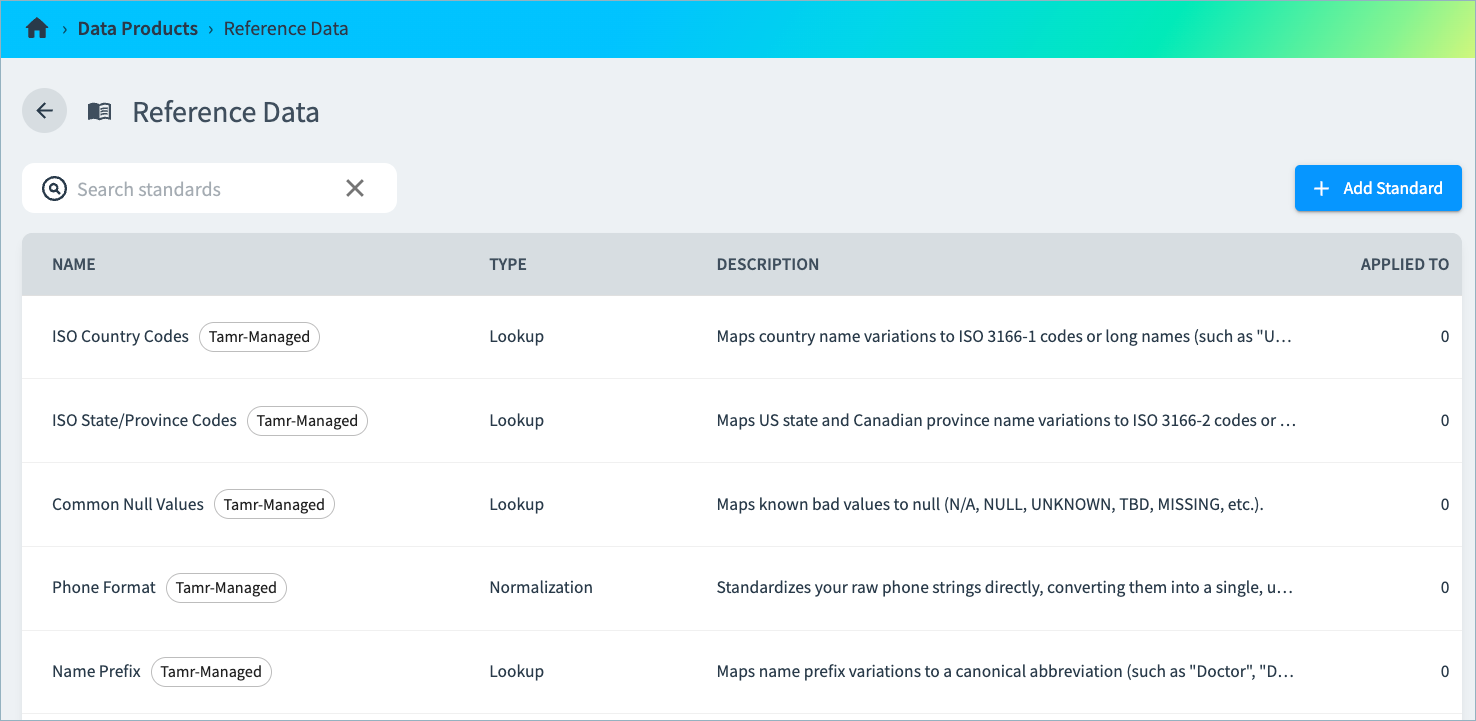
- Select a standard on this page to open it. The page includes a description of the standard, configurable parameters, and the list of canonical values mapped to source value variations.
Updated about 2 months ago
Did this page help you?